
Book Appointment Now
Best Small Business Phone System: Top Options and How to Choose
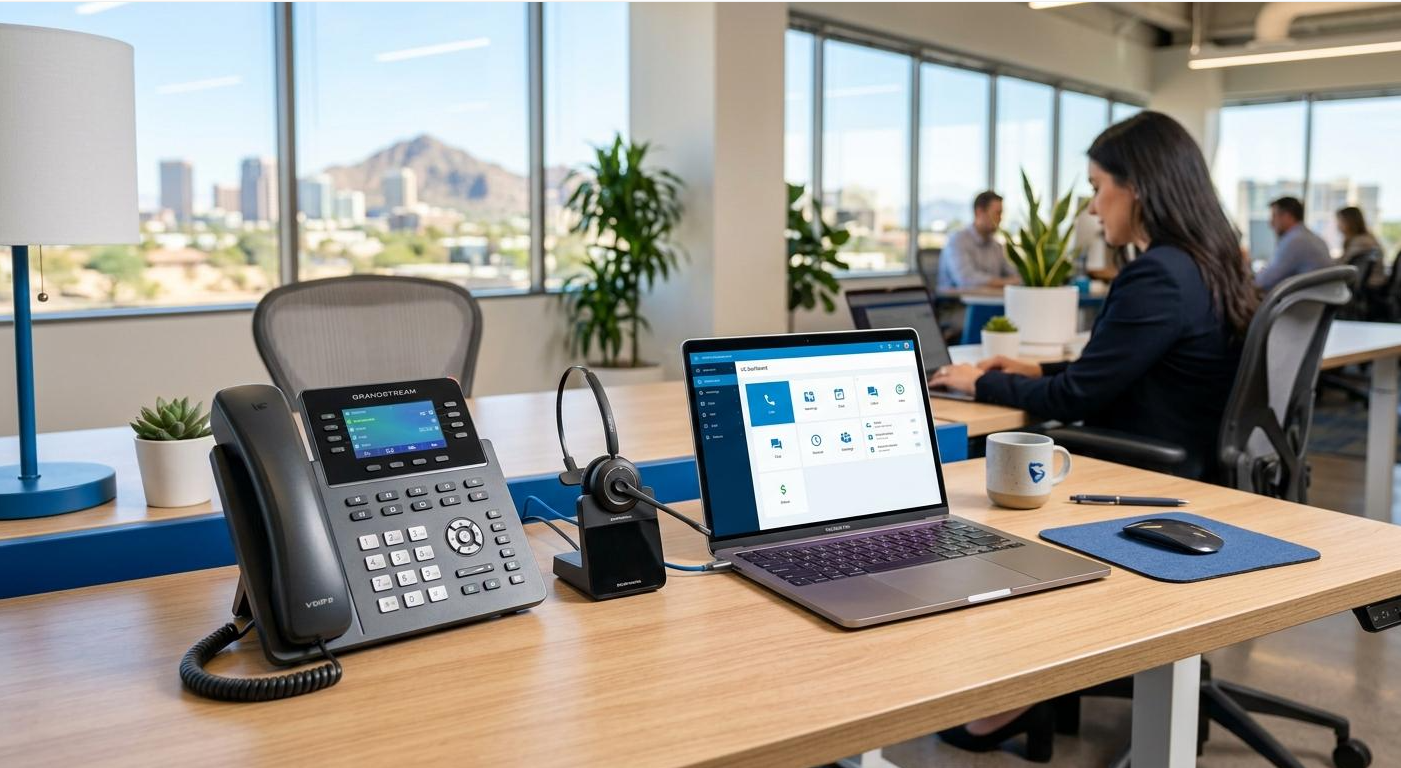
Choosing the best small business phone system can make a major difference in how your company communicates with customers and employees. Modern business phone systems have moved well beyond traditional desk phones, with cloud-based VoIP platforms offering calling, texting, voicemail, video meetings, call routing, analytics, and mobile apps.
For many small businesses, a cloud phone system can provide the flexibility of working from an office, home, or mobile device while keeping business communications in one place. Current 2026 comparisons include providers such as RingCentral, Nextiva, Ooma, Zoom Phone, Dialpad, Grasshopper, and others.
What Is a Small Business Phone System?
A small business phone system is a communication platform that allows companies to manage business calls and related communications.
Modern systems commonly use VoIP, or Voice over Internet Protocol, which sends calls over an internet connection instead of relying exclusively on traditional telephone infrastructure.
Depending on the provider, a business phone system may include:
- Business phone numbers
- VoIP calling
- Business texting
- Call forwarding
- Call transfers
- Voicemail
- Auto attendants
- Call queues
- Interactive voice response (IVR)
- Call recording
- Mobile applications
- Desktop applications
- Video conferencing
- Team messaging
- CRM integrations
- Call analytics
- AI-powered call features
The exact features vary significantly between providers and subscription plans.
Best Small Business Phone Systems
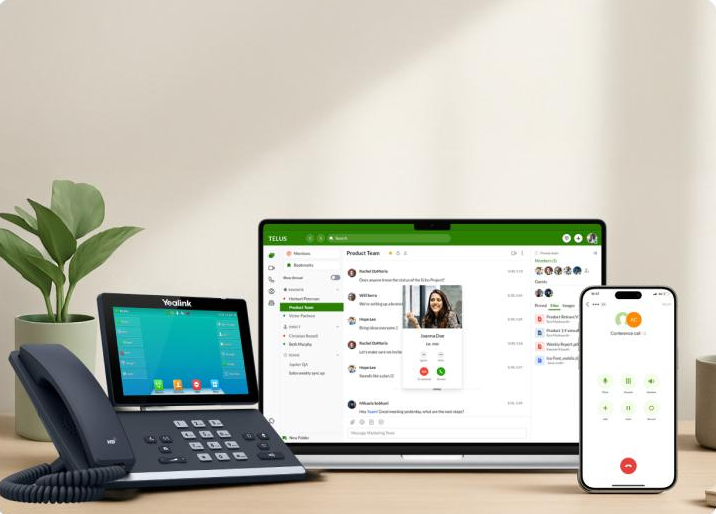
There is no single phone system that is best for every business. The right choice depends on company size, budget, calling volume, remote-work requirements, and the features your employees actually need.
1. RingCentral — Best Overall for Growing Businesses
RingCentral is one of the strongest choices for businesses that want a broad communications platform.
Current reviews highlight its combination of voice, messaging, video, AI capabilities, analytics, integrations, and scalability.
RingCentral can be particularly useful for companies that expect their communication requirements to become more sophisticated as they grow.
Best for:
- Growing small businesses
- Sales teams
- Customer support
- Businesses needing integrations
- Companies that want advanced collaboration features
Potential drawback: Its extensive feature set may be more than a very small company needs.
2. Nextiva — Best for Small Business Support
Nextiva is frequently recommended for small businesses looking for a cloud-based phone system with strong calling and customer-support capabilities.
TechRadar’s 2026 comparison identifies Nextiva as a leading cloud-based business phone system and highlights features such as unlimited voice and video calling, auto attendants, call queues, forwarding, voicemail notifications, and CRM compatibility.
Best for:
- Small businesses
- Remote teams
- Customer service
- Businesses wanting an auto attendant
- Companies that need CRM integrations
3. Ooma Office — Best for Smaller Businesses
Ooma is another popular option for small businesses, particularly those that want a straightforward business phone solution.
Ooma can provide features such as business calling, mobile access, extensions, call management, and other tools depending on the selected plan.
A 2026 Business News Daily comparison names Ooma its best business phone system for small businesses.
Best for:
- Small offices
- Smaller teams
- Businesses replacing traditional phone systems
- Companies looking for a relatively straightforward setup
4. Zoom Phone — Best for Businesses Already Using Zoom
Zoom can be an attractive choice if your business already relies heavily on Zoom for meetings.
Zoom Phone brings business calling into the broader Zoom ecosystem, making it possible to manage communications through a familiar platform.
Current 2026 comparisons identify Zoom Phone as a strong option for businesses that want flexibility and integration with Zoom’s broader collaboration tools.
Best for:
- Remote teams
- Businesses already using Zoom
- Companies that want meetings and phone services together
- Teams prioritizing video collaboration
5. Dialpad — Best for AI-Powered Calling
Dialpad stands out for businesses interested in AI-assisted communications.
AI features can help with functions such as call transcription, summaries, and conversation analysis. Current 2026 reviews frequently position Dialpad as a strong choice for businesses seeking AI capabilities in their phone system.
Best for:
- Sales teams
- Remote businesses
- Businesses that value call intelligence
- Companies interested in AI-assisted workflows
6. Grasshopper — Best for Solopreneurs and Very Small Teams
Grasshopper is designed around the needs of small businesses and entrepreneurs that may not need a complex unified communications platform.
It can be useful when the primary goal is to establish a professional business number and manage calls through mobile or desktop applications.
Best for:
- Solopreneurs
- Freelancers
- Consultants
- Home-based businesses
- Very small teams
What Features Should the Best Small Business Phone System Have?
Before selecting a provider, identify the features your business actually needs.
Business Numbers
A dedicated business number keeps customer communications separate from personal calls.
Depending on the provider, you may be able to choose local, toll-free, or other business numbers.
Auto Attendant
An auto attendant greets callers and directs them to the appropriate department or employee.
For example:
“Press 1 for Sales, 2 for Support, or 3 for Billing.”
This can make a small company appear more professional while reducing manual call routing.
Call Forwarding
Call forwarding allows calls to reach employees on different phones or devices.
This can be particularly useful for remote and hybrid teams.
Mobile and Desktop Apps
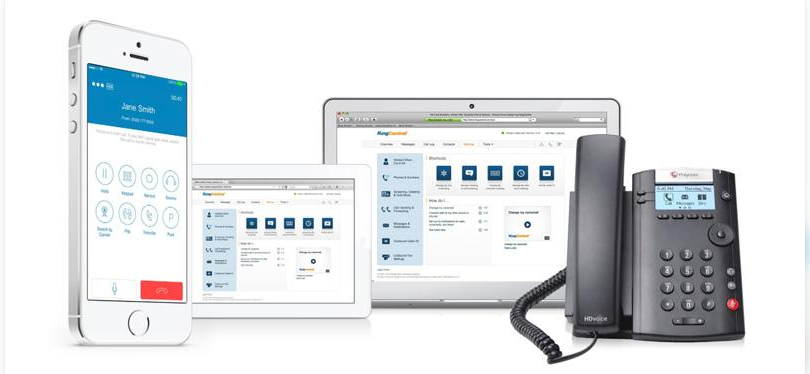
A cloud-based phone system should ideally allow employees to make and receive business calls from computers and smartphones.
This can reduce dependence on physical desk phones and make remote work easier.
Business Text Messaging
Text messaging has become an important communication channel for many businesses.
Depending on the provider, employees may be able to send and receive texts using the company’s business number.
Call Recording
Call recording can be useful for training, quality assurance, customer-service reviews, and certain business workflows.
Businesses should make sure they understand applicable consent and privacy requirements before recording calls.
Call Analytics
Call analytics can provide information about call volume, missed calls, call duration, and other performance indicators.
For sales and customer-service teams, this information can help identify communication problems and opportunities.
CRM Integrations
If your company uses customer relationship management software, integration with the phone system can save time.
Depending on the provider, CRM integration may allow employees to view customer information, log calls, or initiate calls directly from the CRM.
VoIP vs. Traditional Business Phone Systems
Traditional phone systems typically rely on dedicated telephone infrastructure and physical equipment.
VoIP systems use internet connectivity to transmit calls.
Modern cloud-based systems have become popular because they can combine calling with software features such as messaging, analytics, mobile applications, video meetings, and integrations.
Advantages of VoIP
- Flexible remote access
- Mobile and desktop calling
- Easy employee onboarding
- Advanced call management
- Business texting
- Software integrations
- Scalable user management
- Potentially lower infrastructure requirements
However, VoIP depends on a reliable internet connection, and businesses should consider network quality, security, emergency calling requirements, and provider reliability before switching.
How Much Does a Small Business Phone System Cost?
Pricing varies considerably between providers.
Costs may depend on:
- Number of users
- Monthly subscription
- Annual vs. monthly billing
- Calling requirements
- International calling
- Desk phones
- Premium features
- AI functionality
- CRM integrations
- Toll-free numbers
- Call recording
- Setup and onboarding
Some 2026 providers advertise entry-level plans in the range of roughly $10–$30 or more per user per month, but pricing structures vary and advertised rates may depend on billing terms or minimum quantities.
Always calculate the total cost of ownership rather than comparing only the advertised monthly subscription.
How to Choose the Best Small Business Phone System
1. Determine How Many Users You Need
Start by identifying the number of employees who need business calling.
A solo business owner has very different requirements from a 25-person customer-service team.
2. List Your Essential Features
Separate features into three categories:
Must have: Features your business cannot operate without.
Nice to have: Features that could improve productivity.
Not needed: Features that would increase cost without providing meaningful value.
3. Consider Remote Work
If employees work remotely, prioritize mobile applications, desktop calling, call forwarding, and reliable cloud access.
4. Check Integrations
If your company uses Salesforce, HubSpot, Microsoft 365, Google Workspace, Zoom, or another business platform, check whether the phone provider integrates with it.
5. Compare Contracts
Look at monthly and annual pricing, cancellation policies, setup fees, equipment costs, and minimum user requirements.
6. Test Call Quality
Phone quality is more important than having the longest feature list.
If possible, test the service before moving your primary business number.
7. Check Customer Support
Good support can be particularly valuable during setup, number porting, outages, or configuration problems.
Do Small Businesses Still Need Desk Phones?
Not necessarily.
Many modern phone systems allow employees to use computers and smartphones instead of physical desk phones.
However, desk phones can still be useful for:
- Reception desks
- Front offices
- Customer service
- Medical offices
- Retail locations
- Employees who prefer physical handsets
The best solution may be a combination of desk phones and software-based calling.
Frequently Asked Questions
What is the best small business phone system?
There is no universal winner. RingCentral is a strong choice for growing businesses, Nextiva is well suited to many small businesses, Ooma can be attractive for smaller offices, Zoom Phone works well for businesses already using Zoom, and Dialpad is worth considering for AI-focused teams.
Is VoIP good for a small business?
Yes. VoIP can provide calling, texting, mobile access, call management, integrations, and other features without requiring the same traditional phone infrastructure.
How many phones does a small business need?
It depends on how employees work. Some businesses give every employee a dedicated extension, while others rely primarily on shared numbers, mobile apps, and call queues.
Can employees use their smartphones for business calls?
Many cloud phone systems provide mobile apps that allow employees to make and receive business calls from smartphones while keeping business communications separate from personal calling.
Is a business phone system worth it?
For many small businesses, a dedicated phone system can improve professionalism, call management, customer service, and employee accessibility.
Final Thoughts
The best small business phone system should match the way your company actually works. A solo entrepreneur may need little more than a professional business number and mobile calling, while a growing company may need auto attendants, call queues, CRM integration, analytics, recording, and AI features.
For many businesses, cloud-based VoIP is now the most flexible option. Compare providers based on features, total cost, call quality, integrations, scalability, and customer support rather than choosing solely on price.
The goal is simple: give customers an easy way to reach your business while giving employees the tools they need to communicate efficiently.


